
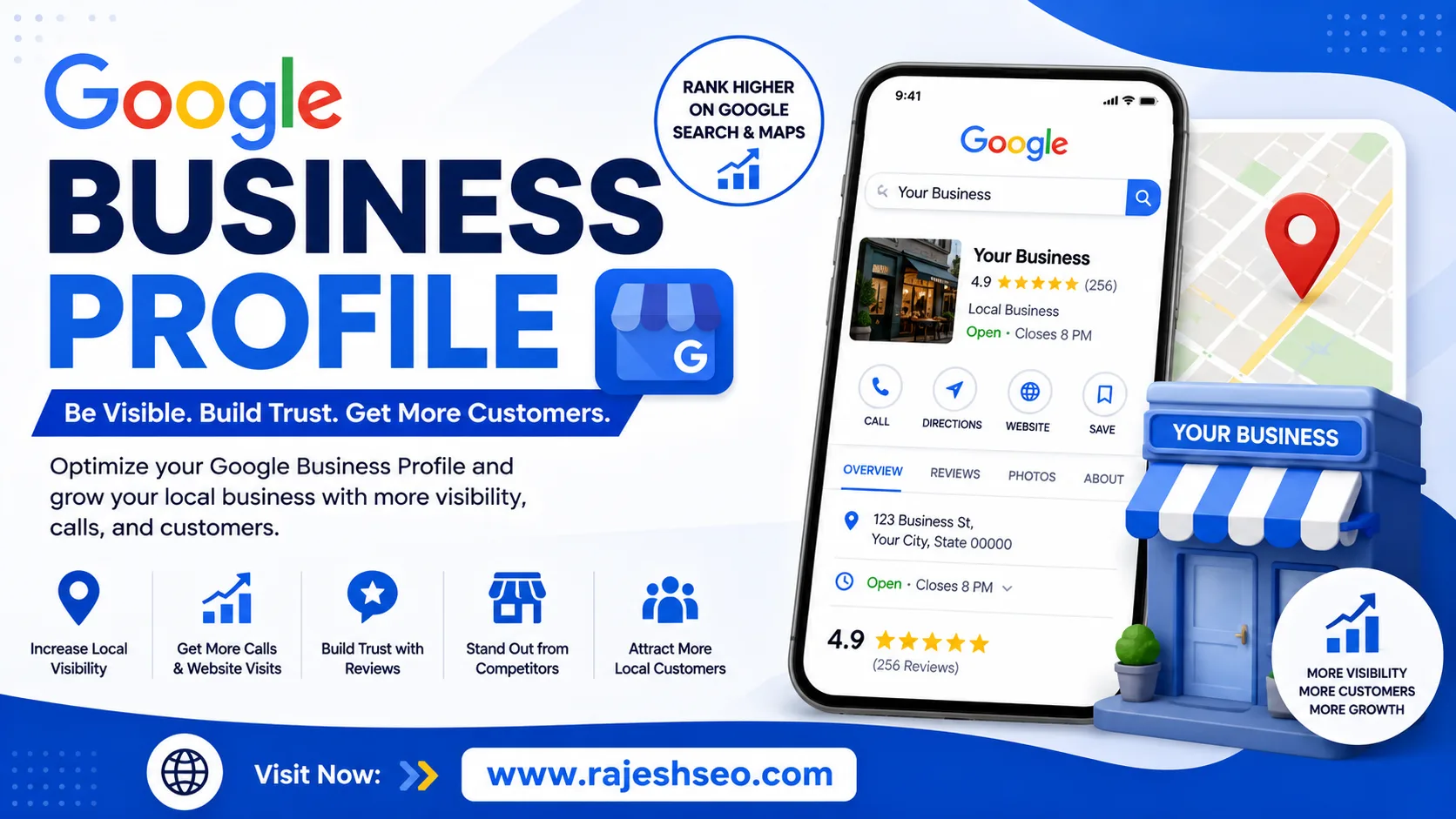
A Google Business Profile (GBP) is one of the most useful free tools for businesses that want to improve their visibility in local Google searches. It helps businesses display important information such as their name, address, phone number, website, working hours, photos, reviews, services, and more directly on Google Search and Google Maps.
For local businesses, having a properly optimized profile can make it easier for potential customers to discover the business, learn about its services, and contact it.
What Is a Google Business Profile?
Google Business Profile is a free business listing provided by Google. It allows businesses to manage how their information appears across Google Search and Google Maps.
When someone searches for a business or a service near them, Google may display relevant business profiles in local search results. A complete and accurate profile gives customers quick access to useful information before they decide to visit or contact the business.
For example, a digital marketing agency can use its profile to showcase services such as SEO, Google Ads management, social media marketing, PPC, and website consulting.
Why Is Google Business Profile Important for Local SEO?
Local SEO focuses on helping businesses appear in searches made by people looking for products or services in a specific area.
Google Business Profile plays an important role in local visibility because it provides Google with information about the business and its location.
A well-maintained profile can help businesses:
- Improve local search visibility
- Appear on Google Maps
- Generate calls and website visits
- Get directions from potential customers
- Showcase products and services
- Collect customer reviews
- Share photos and business updates
- Build trust with local customers
However, simply creating a profile does not guarantee top rankings. Local search visibility depends on several factors, including relevance, distance, prominence, profile quality, reviews, and the overall authority of the business.
How to Create a Google Business Profile
Creating a Google Business Profile is relatively straightforward.
First, sign in with a Google account and start the business profile setup. Enter your business name, choose the appropriate business category, add your location or service area, and provide contact information.
Google may require verification before the profile becomes fully active. The available verification method can vary depending on the business and Google's requirements.
After verification, complete as much information as possible.
Important details include:
- Business name
- Primary category
- Secondary categories where relevant
- Business address
- Service areas
- Phone number
- Website
- Business hours
- Services
- Products
- Business description
- Photos and videos
Accurate information is important because customers rely on the profile when deciding whether to contact or visit a business.
How to Optimize Your Google Business Profile
Creating a profile is only the first step. Regular optimization can make the listing more useful for customers and strengthen your local SEO presence.
1. Choose the Right Business Category
Your primary category should accurately describe the main service or business activity.
Avoid selecting a category simply because it contains a popular keyword. The category should genuinely represent what the business does.
You can also add relevant secondary categories when appropriate.
2. Write a Useful Business Description
Your business description should explain what you offer, who you serve, and what makes your business useful.
Keep it natural and informative instead of filling it with repeated keywords.
For example, instead of writing:
Best SEO Services Jaipur SEO Company Jaipur SEO Expert Jaipur
write something natural such as:
We provide SEO, Google Ads, social media marketing, and digital marketing solutions for businesses looking to improve their online visibility and generate more leads.
The second version is easier for customers to understand and avoids unnecessary keyword stuffing.
3. Keep Business Information Consistent
Your business name, address, phone number, and website should be accurate and consistent across your online presence.
If your business hours change because of holidays or special events, update them when necessary.
Incorrect information can create confusion and may cause customers to lose trust.
4. Add High-Quality Photos
Photos help customers understand your business before they contact you.
Depending on the business type, useful images can include:
- Business exterior
- Office or store interior
- Team or workplace
- Products
- Services
- Completed projects
- Branding materials
Use genuine images that represent the actual business whenever possible.
5. Get Genuine Customer Reviews
Reviews are an important part of a local business's online presence.
After successfully completing a project or serving a customer, you can politely ask them to leave an honest review.
Do not buy fake reviews or create reviews yourself. Authentic customer feedback is much more valuable for long-term reputation.
It is also a good practice to respond professionally to both positive and negative reviews.
6. Add Your Services
Use the services section to clearly explain what your business offers.
For a digital marketing company, examples might include:
- SEO Services
- Local SEO
- Google Ads Management
- PPC Management
- Social Media Marketing
- Content Marketing
- Lead Generation
- Website Consulting
Keep service names and descriptions clear and customer-focused.
7. Publish Google Business Profile Posts
Businesses can use profile posts to share updates, offers, announcements, new services, events, and useful information.
For example, a local SEO agency could publish a short update about a new local SEO service or share a useful tip for small businesses.
Regularly adding genuinely useful updates can keep the profile fresh and provide customers with additional information.
Google Business Profile Reviews and Reputation
Reviews can strongly influence a customer's decision.
Imagine two local businesses offering similar services. One has several recent, detailed reviews while the other has very little customer feedback. Many customers may feel more comfortable contacting the business with stronger social proof.
That is why review management should be part of a broader local marketing strategy.
When responding to reviews:
- Thank customers for positive feedback.
- Address negative feedback professionally.
- Avoid arguing with customers publicly.
- Keep responses relevant and helpful.
- Never use fake reviews to manipulate ratings.
A negative review does not always damage a business. A professional response can demonstrate that the business takes customer concerns seriously.
Google Maps and Local Search
Google Business Profile is closely connected with Google Maps.
When people search for phrases such as:
"SEO agency near me"
"digital marketing company in Jaipur"
"best salon near me"
or
"restaurants near me"
Google may display local businesses that are relevant to the search.
This is why businesses that depend on local customers should not ignore their Google Business Profile.
Common Google Business Profile Mistakes
Many businesses create a profile but fail to maintain it properly.
Some common mistakes include:
Keyword Stuffing
Adding unnecessary keywords to the business name or description can make the profile look unnatural and may violate Google's guidelines.
Incorrect Business Information
Wrong phone numbers, outdated hours, or incorrect addresses can lead to missed customers.
Ignoring Reviews
Customers appreciate businesses that respond to feedback. Ignoring reviews completely can make the business appear inactive.
Using Poor-Quality Images
Blurry, irrelevant, or outdated photos do not create a strong first impression.
Creating Duplicate Profiles
Multiple profiles for the same business can create confusion and may cause profile management problems.
Expecting Instant Rankings
Google Business Profile optimization is not an overnight SEO strategy. Local visibility can take time and depends on multiple ranking and relevance factors.
Google Business Profile for Small Businesses
Small businesses can benefit significantly from a strong local presence.
A local service provider may not have the advertising budget of a large company, but a complete and trustworthy Google Business Profile can help it compete for relevant local searches.
For example, a small web design company targeting Jaipur can optimize its online presence around relevant services and locations, collect genuine customer reviews, publish useful updates, and maintain accurate business information.
The goal should not simply be to rank for every possible keyword. The goal is to attract the right local customers.
How to Improve Your Local SEO Strategy
Google Business Profile should be part of a larger local SEO strategy.
Other important activities include:
- Creating location-specific website pages
- Optimizing title tags and meta descriptions
- Building relevant local citations
- Earning quality backlinks
- Publishing useful local content
- Maintaining consistent business information
- Encouraging genuine customer reviews
- Improving website speed and mobile usability
- Tracking local search performance
A strong combination of these activities can create a more reliable local search presence.
Final Thoughts
A Google Business Profile is more than just an online business listing. It is an important local marketing asset that can help potential customers discover your business, view your services, read reviews, find directions, visit your website, or contact you directly.
The most effective approach is to keep your information accurate, choose relevant categories, add quality photos, collect genuine reviews, publish useful updates, and connect your profile with a well-optimized website.
For businesses targeting local customers, investing time in Google Business Profile optimization can be a practical part of a long-term local SEO strategy.
Frequently Asked Questions
Is Google Business Profile free?
Yes. Google Business Profile is a free tool for eligible businesses to manage their business presence on Google Search and Maps.
Does Google Business Profile help SEO?
It can support local SEO by helping Google understand the business, its services, and location. However, profile optimization alone does not guarantee a specific ranking.
How often should I update my Google Business Profile?
Keep important information updated whenever it changes. You can also publish useful posts and add relevant photos periodically to keep your profile informative.
Are Google Business Profile reviews important?
Reviews can influence customer trust and are an important part of a local business's online reputation. Businesses should focus on earning genuine reviews and responding professionally.
Can an online-only business have a Google Business Profile?
Eligibility depends on Google's current requirements and the nature of the business. Businesses should review Google's guidelines before creating a profile.